

Building Your First Budget Spreadsheet
Step-by-step instructions for creating a budget tracker in Excel or Google Sheets. No formula knowledge required.
Honest reviews of five free and low-cost apps. We tested them for ease of use, features, and whether they actually help you save.
Author
Editorial Team
Written by the BudgetFlow editorial team, focused on practical, honest guidance for student budgeting and expense tracking.
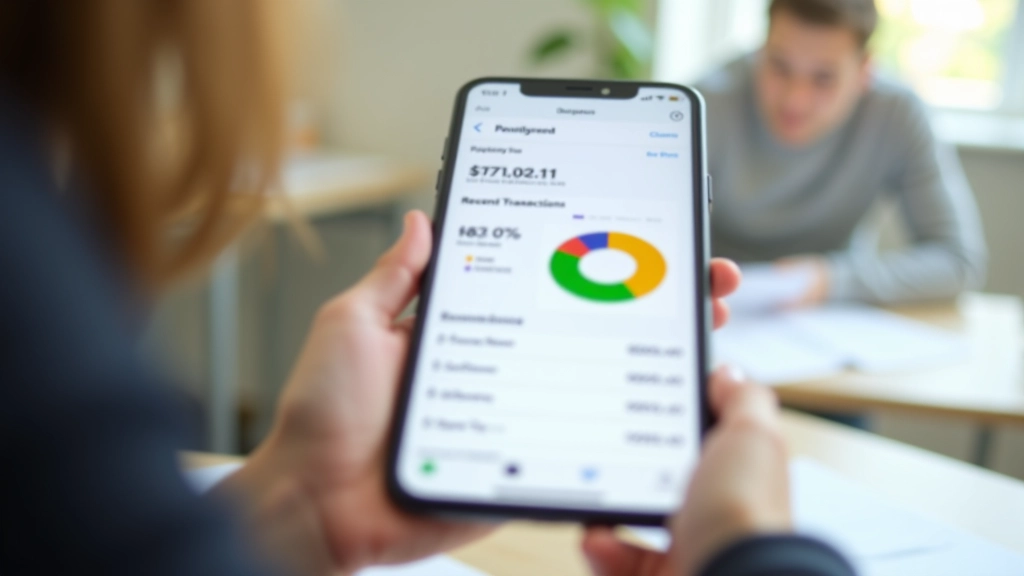
Let's be real — tracking money on paper doesn't work. You'll lose the notebook, forget to write things down, or just give up. Apps keep your budget in your pocket where you actually live. The right one syncs across devices, sends you alerts when you're overspending, and shows you exactly where your money goes.
But here's the thing: not every budgeting app is made for students. Some charge fees you can't afford. Others have so many features you'll never use them. We tested five apps that are genuinely free or cheap, actually simple to use, and don't try to sell you premium upgrades every time you open them.
What we looked for: Can you set it up in under 5 minutes? Does it track expenses automatically? Can you see where you're spending? Does it work on both your phone and laptop?
Free with optional upgrade
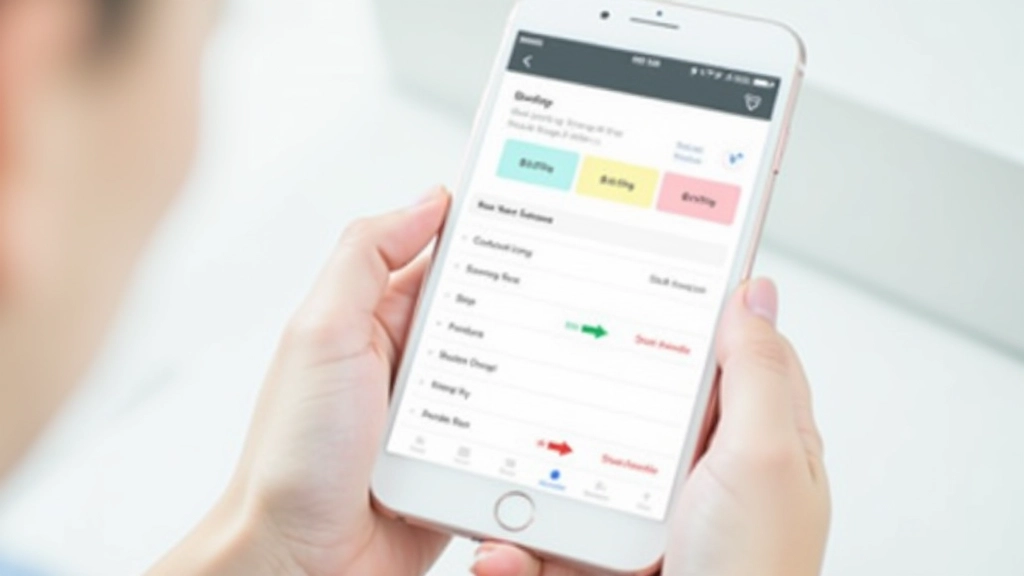
GoodBudget uses the envelope method — you create categories (rent, food, entertainment) and assign money to each one. It's visual and works the way your brain actually thinks about money. The interface is clean. Sync works between your phone and anyone else you're sharing a budget with, which is perfect if you've got a roommate.
Setup takes about 3 minutes. You'll know how to use it immediately. The free version covers everything most students need. We liked that you can set weekly or monthly budgets and it'll warn you when you're getting close to the limit.
Free for 34 days, then $15.99/month
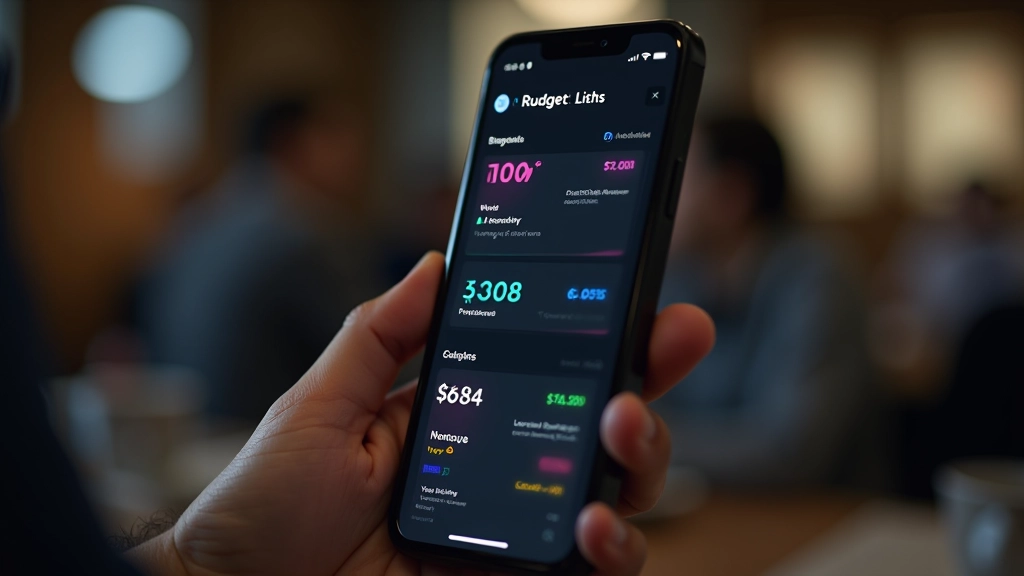
YNAB isn't free long-term, but if you can scrape together the cost it's worth it. The app forces you to think about every dollar — you budget before you spend, not after. It connects to your bank account and automatically pulls in transactions. You can edit categories and adjust on the fly.
The learning curve is real. Spend 20 minutes with their tutorial or you'll be confused. But once you get it, you'll see results. People using YNAB genuinely spend less money. The monthly cost stings, though. Only consider this if budgeting is something you're actually committed to.
Free
Mint tracks spending automatically by connecting to your bank. You don't manually enter transactions — it does the work for you. The app learns your spending patterns and categorizes purchases on its own (groceries go to groceries, coffee to food, etc.). You can adjust categories if it gets something wrong.
The downside? Mint's been through ownership changes and isn't as reliable as it used to be. Connection issues happen. But when it works, it's solid. It's good for students who want hands-off tracking without thinking too much about it.
Free with premium option
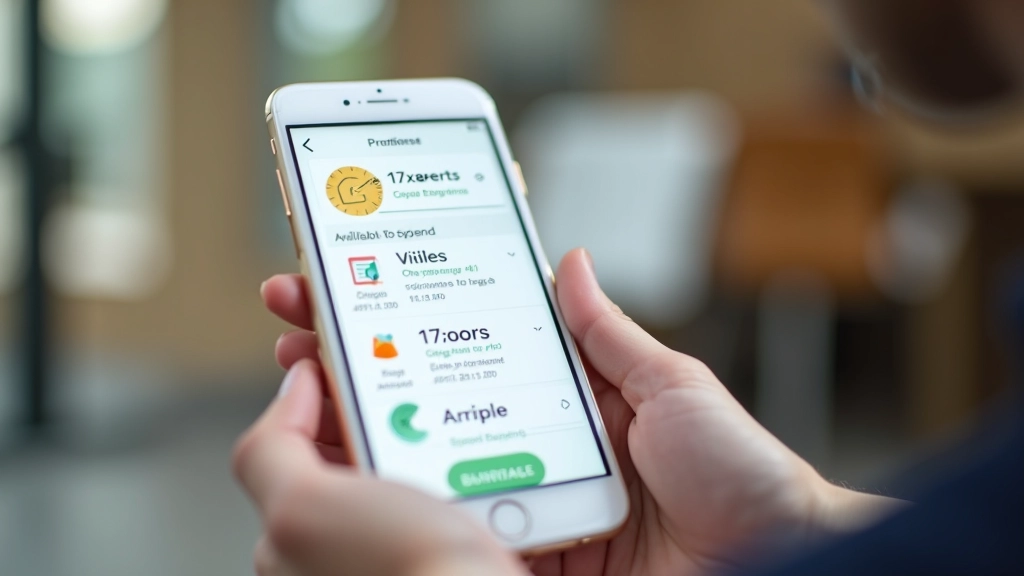
PocketGuard answers the question students actually ask: "How much can I spend today?" It syncs with your bank, looks at your bills due this month, and tells you exactly how much you can spend without going negative. This is genuinely helpful for the student mindset — you don't want to overthink it, you just want to know if you can buy lunch.
The app is fast. No confusing menus. Open it, see your number, spend or don't. The free version covers the core feature. Premium adds things like credit score monitoring which you probably don't need yet.
Free
Yeah, a spreadsheet. Hear us out. If you're comfortable with basic formulas (SUM, IF statements), building your own budget in Google Sheets gives you complete control. You can create exactly the tracking system you want. It syncs across devices automatically.
The downside is that it doesn't connect to your bank — you're entering transactions manually. But some students prefer this because they actually think about each purchase. It takes 30 minutes to set up properly. This approach works best if you're already using Google Sheets for other school stuff.
The honest answer: it depends on how much work you want to do. GoodBudget and PocketGuard are best for students who want something quick and don't have much money to lose on premium subscriptions. They're genuinely free and don't nag you to upgrade.
If you're ready to commit to serious budgeting, YNAB works. The fee hurts upfront, but people who use it actually change their spending habits. It's not the app that saves money — it's the fact that you're being deliberate with every dollar.
Mint is solid if your bank works well with it. Test it for a week. If the sync is reliable, keep using it. If you get frustrated with connection issues, switch.
Google Sheets is for the DIY person. You'll spend more time setting it up, but you'll understand every number because you built it yourself. Plus, you're already in Google anyway for email and documents.
Disclaimer
This article is educational only and is not financial or investment advice. Outcomes are not guaranteed and may vary. App features, pricing, and availability change over time. Always review the current terms and privacy policies before connecting your bank account to any app.
The best budgeting app is the one you'll actually use. Download one of these, spend 10 minutes setting it up, and see how it feels. Most offer free trials or free tiers long enough to figure out if it clicks with you.
Don't overthink it. You're a student — your budget doesn't need to be complicated. Pick something that shows you where your money goes and helps you not run out before the next payment. That's it.
Once you've got tracking working, the real work starts: actually changing your spending habits. But at least you'll see what you're spending on. And that's where it begins.
Step-by-step instructions for creating a budget tracker in Excel or Google Sheets. No formula knowledge required.
Learn the formulas that actually matter: SUM, AVERAGE, IF statements. Build automatic calculations into your budget.
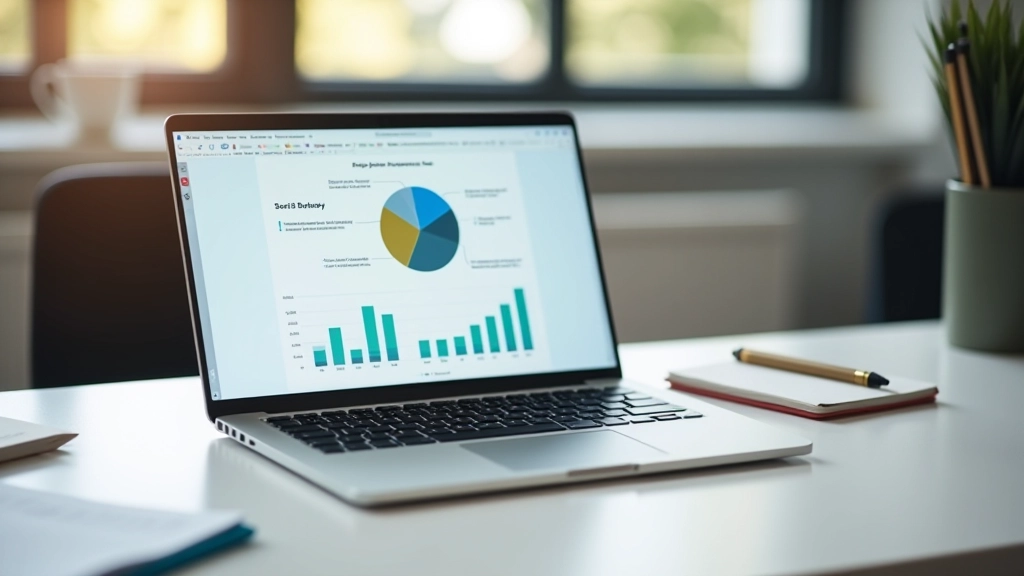
Beyond tracking numbers: understand where your money actually goes. Use data to make better financial decisions.